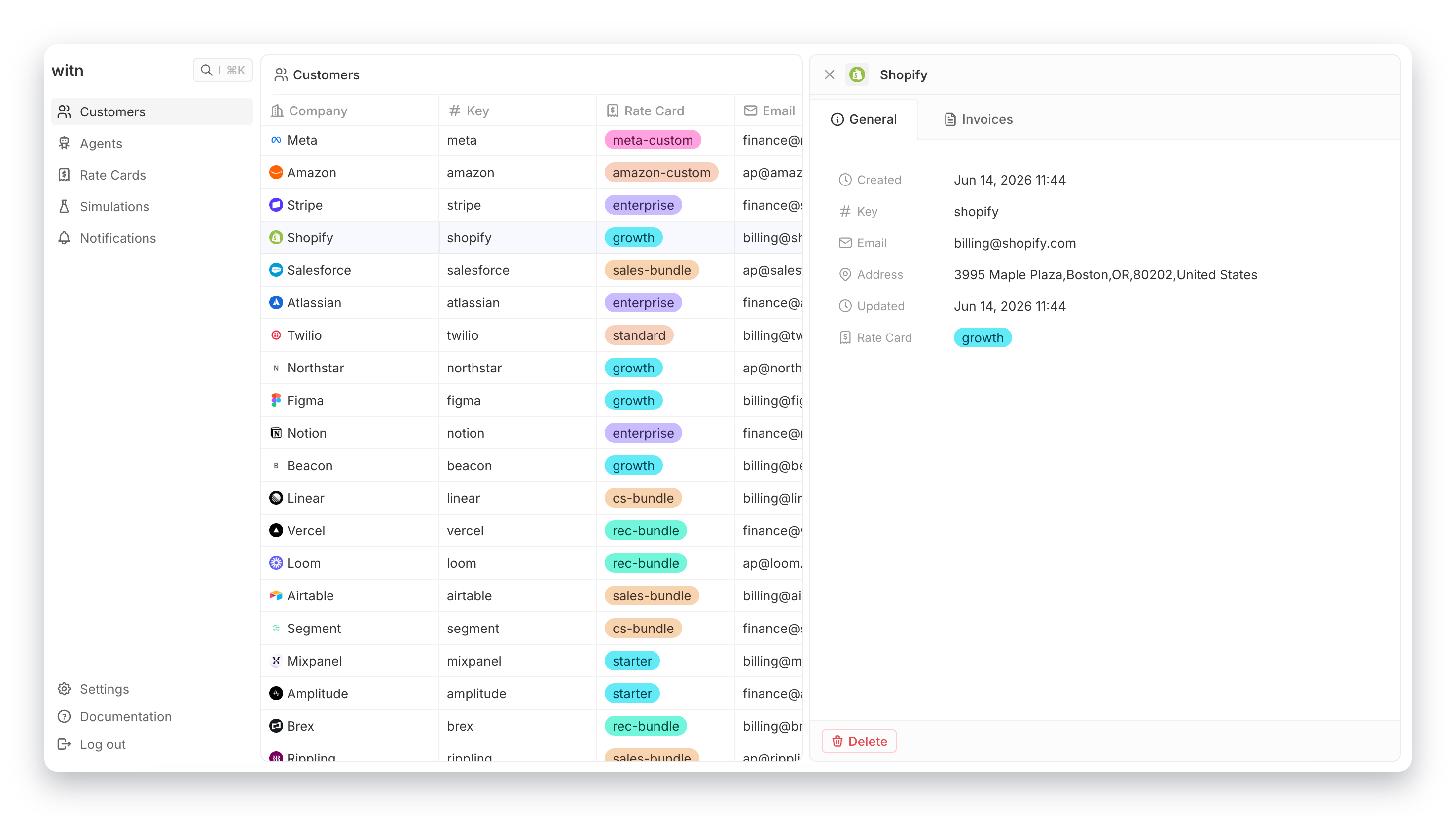
Create a customer
Customers are the top-level billing entity. Every outcome belongs to a customer.
Customers are managed in the dashboard at app.thewitn.com/dashboard/customers.
What is a customer?
A customer is a company or person you bill. Outcomes are always tied to a customer. You cannot create an outcome without specifying which customer it belongs to.
The customer key
Every customer has a key. This is a string you choose. It must be unique within your account.
You use the customer key when sending outcome events: the customer_key field.
Choose a key that matches your own system. A slug, a short string, or your internal customer ID all work.
acme
stripe-cus-abc123
customer-42
The customer key cannot be changed after the customer is created. Choose it carefully.
Assigning a rate card
A customer can have one rate card assigned at a time. The rate card controls what price is used when an outcome confirms.
When the first event opens an outcome, witn looks up the customer's rate card and reads the price for that agent. If the customer has no rate card, or the rate card has no entry for that agent, outcome creation fails.
You can change the rate card assignment at any time. Changing it does not affect outcomes that are already open. Each open outcome already recorded its price when its first event was processed.
Creating a customer
Go to Customers in the dashboard and click New customer. Enter a name and a key.
After creating the customer, assign a rate card from the customer detail page.